Cisnes
ELEGANTElegant swans romance.

WEDDING INVITATION TUTORIAL · UPDATED SEPTEMBER 8, 2026
Understand all in one wedding invitations and build a single guest experience for details, RSVP, travel, gallery, and updates.
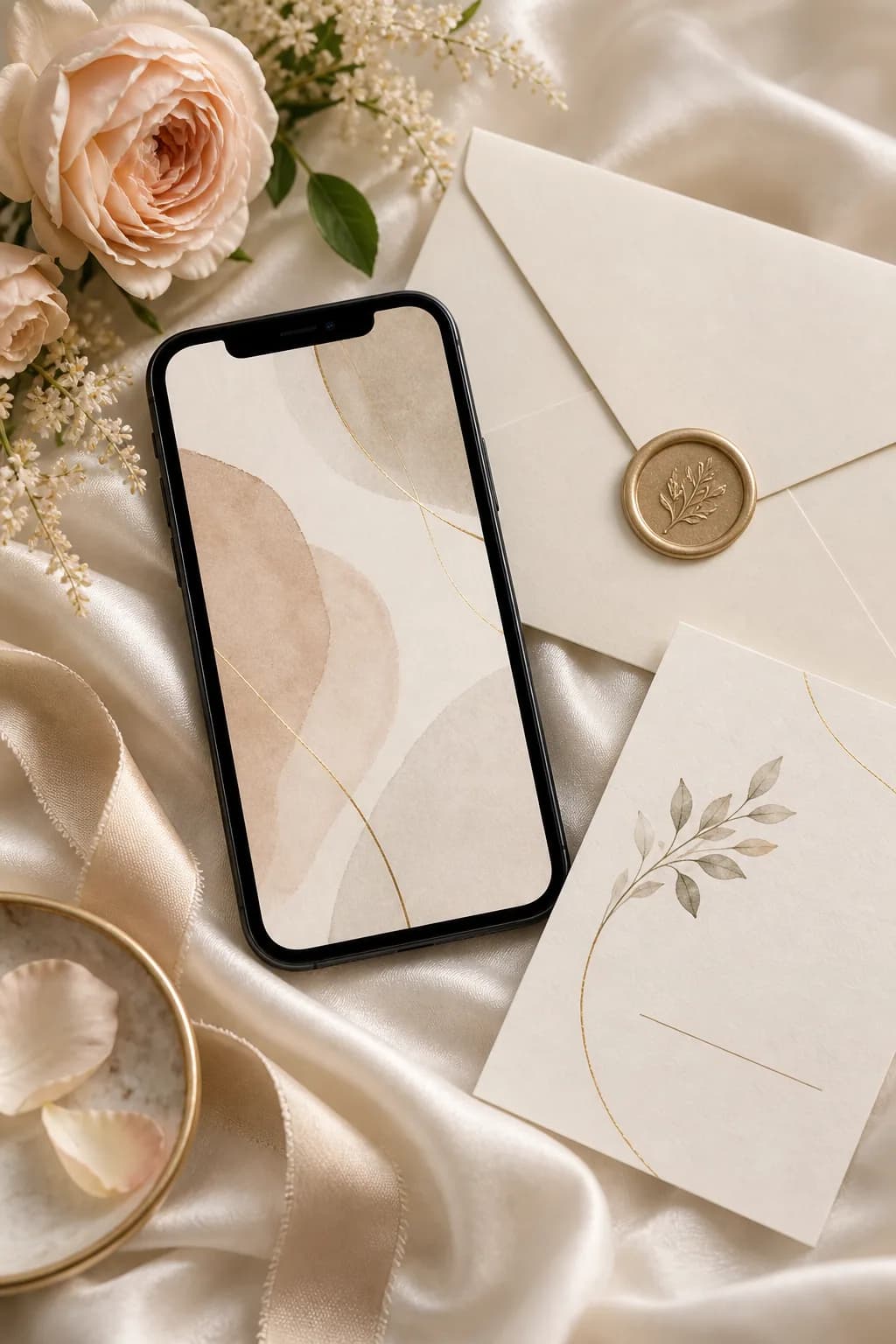
START WITH A DESIGN
Browse the collection, open a preview, then personalise the design that feels most like your celebration.
Elegant swans romance.
Blossoming love.
Enchanted floral garden romance.
Lake Como villa elegance.
Vibrant tropical paradise.
A soft reveal.
Swipe or use the arrows to discover more designs. You can refine the content after choosing a template.
QUICK ANSWER
FOLDÈ Wedding is designed as an all-in-one wedding invitation: couples can share one premium link for the invitation, RSVP, guest updates, memories, and their private planning dashboard.
See how FOLDÈ Wedding works →An all in one wedding invitation should feel effortless for guests, even when it holds a great deal of information. It is the one place they can return to for the celebration, RSVP, schedule, travel guidance and later memories. Rather than adding features for their own sake, shape every section around a real guest need: receiving the news, deciding whether they can attend, finding the venue and preparing for the day. When the visual and practical details share one calm system, the invitation becomes a thoughtful extension of the celebration—not another task for guests to manage.
TUTORIAL
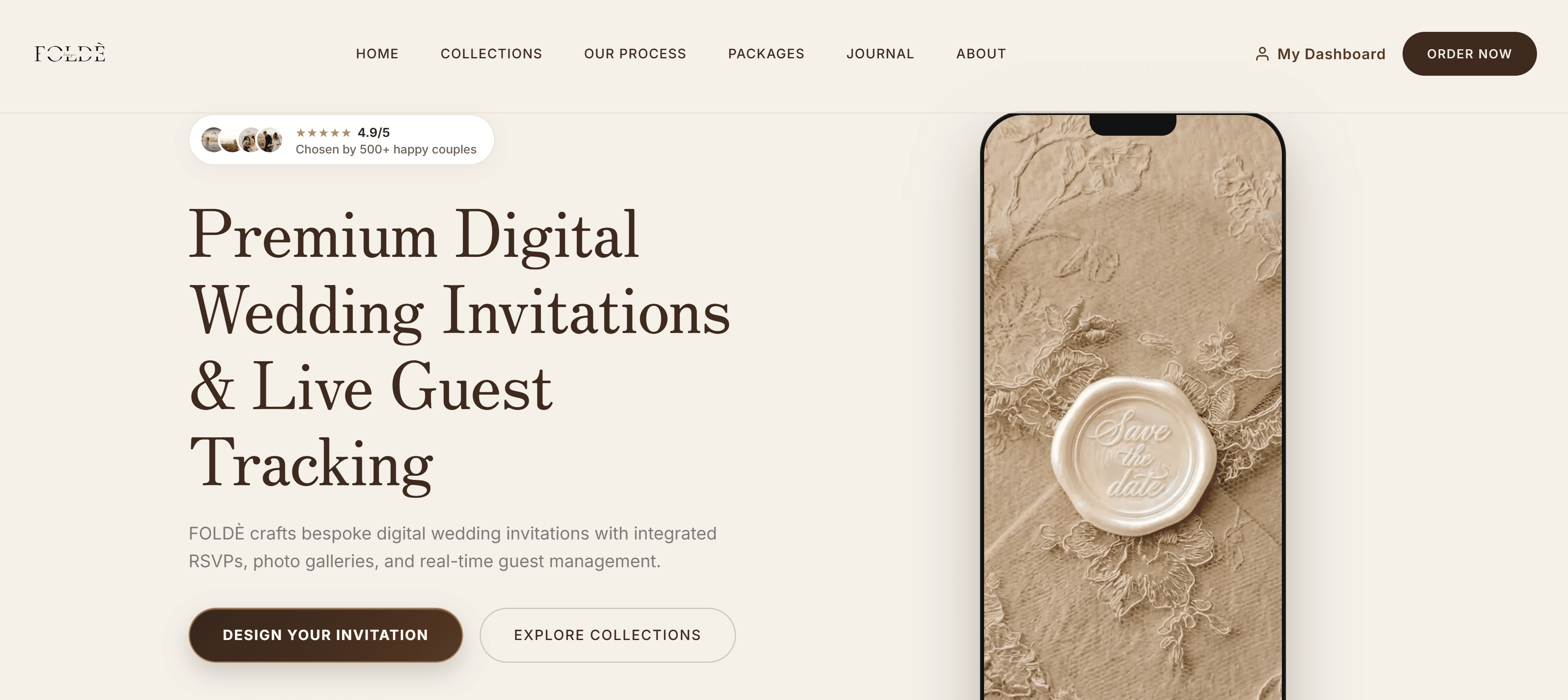
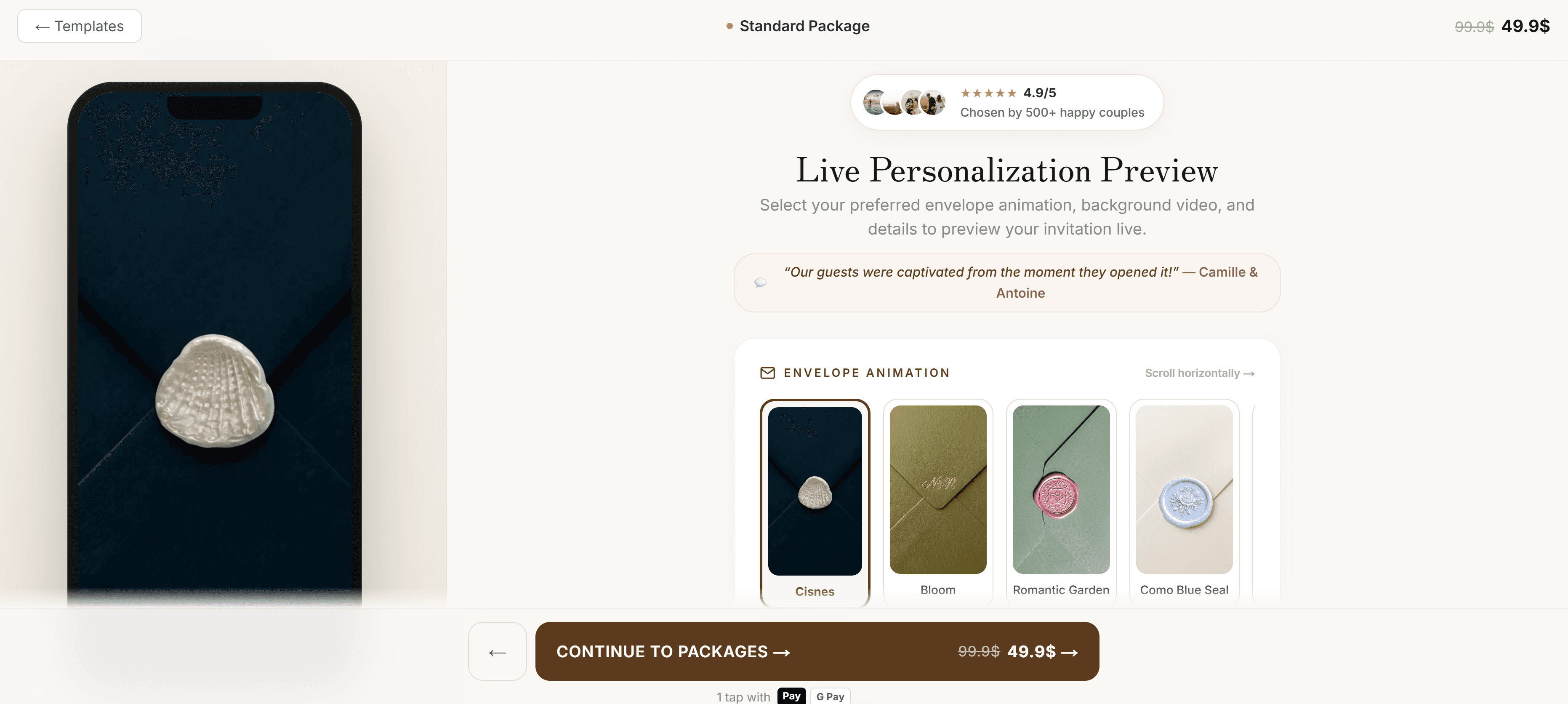
Use the FOLDÈ collection preview to choose a direction, then open your live invitation preview to check the experience from a guest's perspective.
An all in one wedding invitation works when guests understand what to do without studying the page. For most celebrations, the essential first action is to confirm attendance. Place the RSVP deadline near the event date, use one clear button, and avoid making guests scroll through every aesthetic detail before they can respond. The invitation can still begin with a cinematic envelope or a hero image; the practical route should simply be visible as soon as that opening moment ends. This is especially helpful when a guest is reading from a message thread between meetings, travelling, or trying to reply for a household. A focused opening protects the visual experience while respecting the guest’s time.
Think of the page as a host who knows which question arrives next. First establish the couple, date and celebration. Then offer the schedule, venue, travel notes, dress code, RSVP and memories in that order. The guest should not need to decode a large paragraph to learn whether the ceremony starts at 3pm or whether children are invited. Use short headings, comfortable spacing and one location for every update. This hierarchy is the reason an all in one invitation can feel more generous than several disconnected attachments: it gives context as well as information. At FOLDÈ, the visual direction and the planning flow are designed to sit together rather than compete for attention.
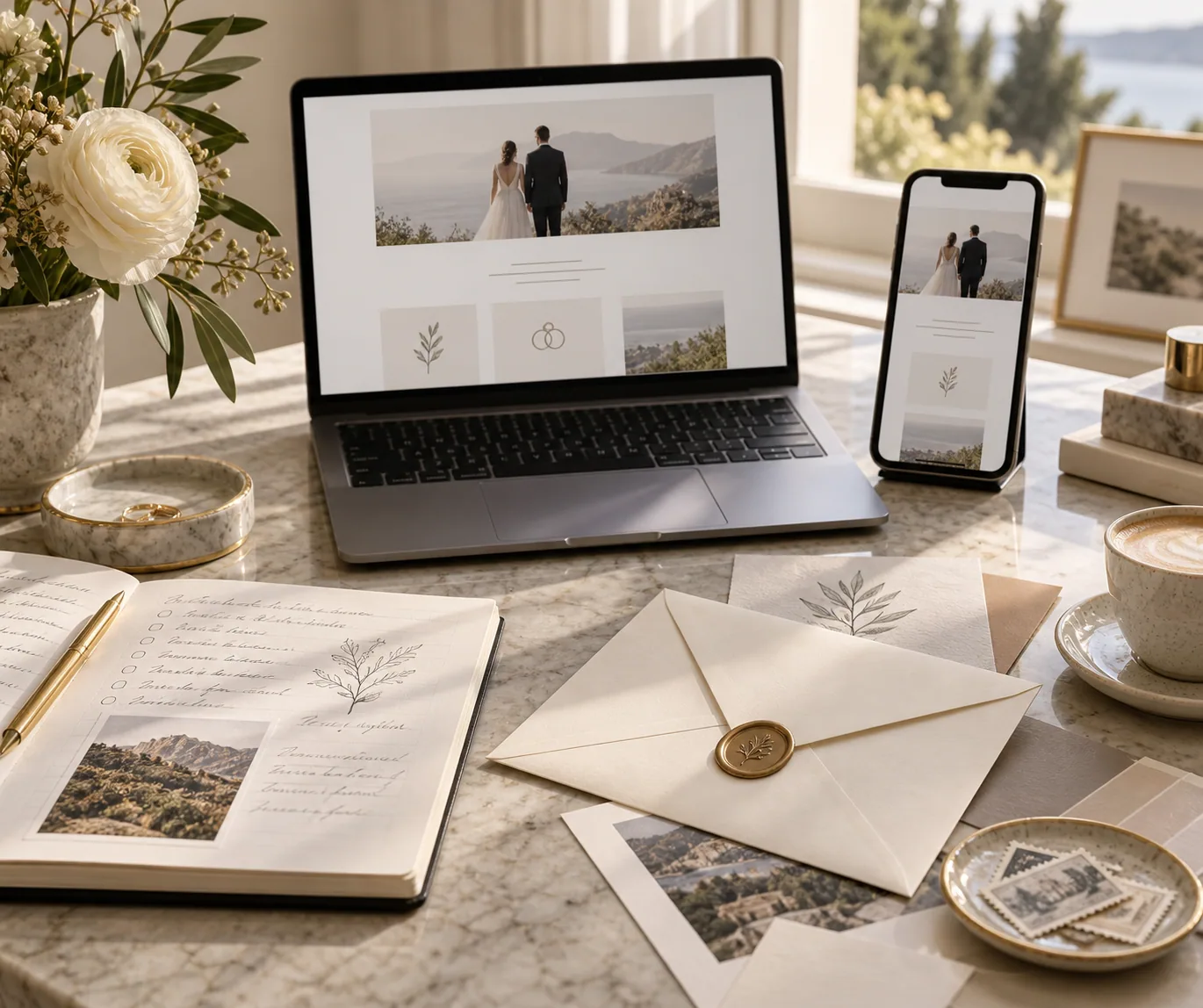
Hosts know the venue, local transport and family dynamics already; guests often do not. A useful details section names the venue in full, provides a map link, makes arrival time explicit and explains any unusual dress or access requirement. Destination celebrations benefit from a short travel block with the closest airport, accommodation area and the date by which guests should book. Avoid long lists of recommendations that will age quickly. Instead, link out to a current hotel page or local transport authority when relevant. Digital invitations are strong here because you can correct a typo, refine a schedule or add an answer to a recurring question without asking everyone to search for a new version.

The most beautiful RSVP is only helpful if the information reaches the people making decisions. Keep the form short: attendance, party names, meal choice where needed, and one optional note. Be clear about the deadline and what happens if someone needs to change their response. Then check that every test response lands in the host dashboard with the correct name and status. FOLDÈ keeps this information in the same planning space as the invitation so couples do not need to transfer answers from screenshots or message reactions. For a detailed checklist, read our guide to wedding invitations with RSVP.
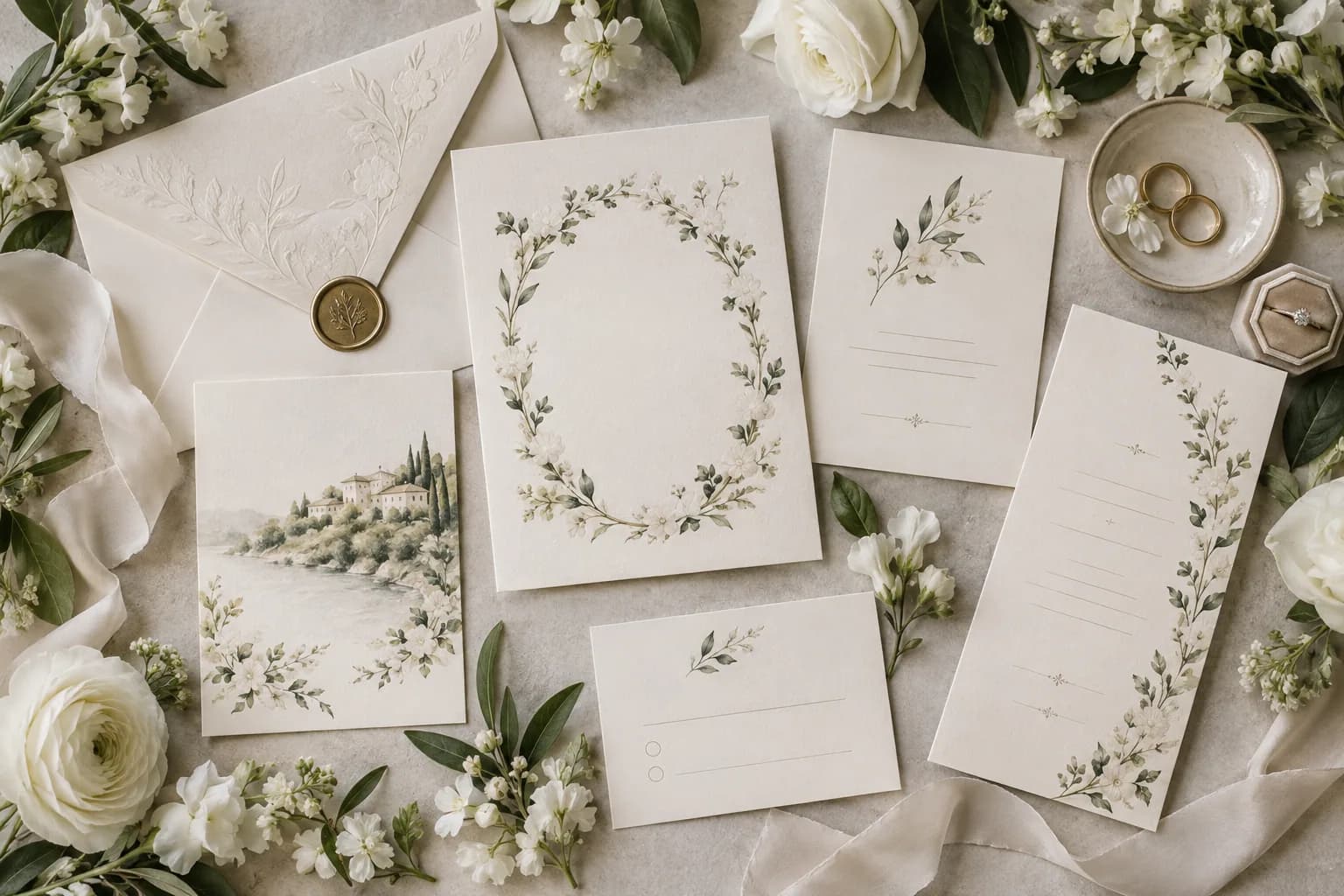
Premium does not mean filling every section with motion, colour or decorative copy. Choose one strong opening treatment, a limited palette and typography that remains legible on a phone. Reuse a small visual cue—an illustrated flower, seal colour, photograph treatment or line motif—so the experience feels connected as a guest moves from RSVP to schedule. A quiet design also makes room for the emotional details: the welcome message, the story behind a location, or the memory gallery after the event. Couples who prefer a botanical direction can continue with our floral invitation guide.
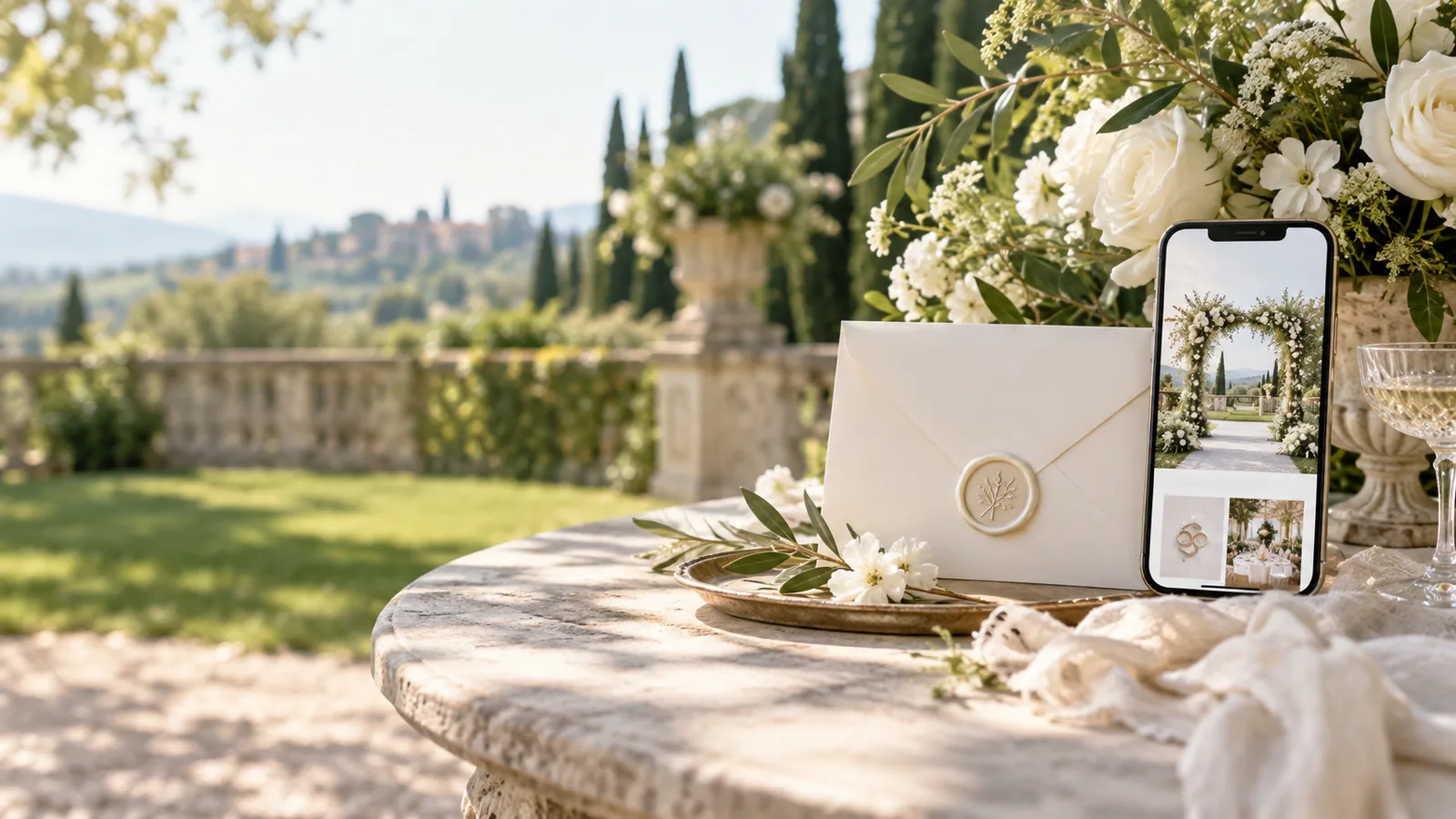
A single link becomes valuable only when it is easy to share. Decide whether it will be sent by text, email, a printed QR code, or all three. Preview it on iPhone and Android-sized screens, open the map, submit an RSVP, and check the experience on a slower connection before sending it widely. If a guest is likely to need help, include a warm contact line rather than expecting them to troubleshoot. Keep the original link stable. That way, reminders can simply say that the latest schedule and RSVP details are in the invitation, instead of creating a new chain of files every time a detail changes.
The all in one model does not have to end at the RSVP deadline. A gallery, thank-you note or short post-event update can keep the link meaningful after the celebration. This can be especially thoughtful for guests who travelled or for relatives who were unable to attend. Keep privacy in mind before publishing guest photographs, and make the gallery optional where appropriate. A digital invitation is at its best when it feels like a considered keepsake, not a temporary logistics page. That is the balance FOLDÈ Wedding aims for: a polished first impression with a genuinely useful guest journey behind it.

Some couples enjoy selecting a template and refining every word themselves. Others want a design team to handle the final build. Both can result in a coherent invitation when the essentials are agreed first: guest list, event schedule, tone, visual direction and RSVP requirements. You can explore the visual starting points in FOLDÈ collections, review the differences on our packages page, and move into the live invitation experience from there. The right all in one invitation is not the one with the most features; it is the one that makes the celebration feel clear and personal for the people you invited.
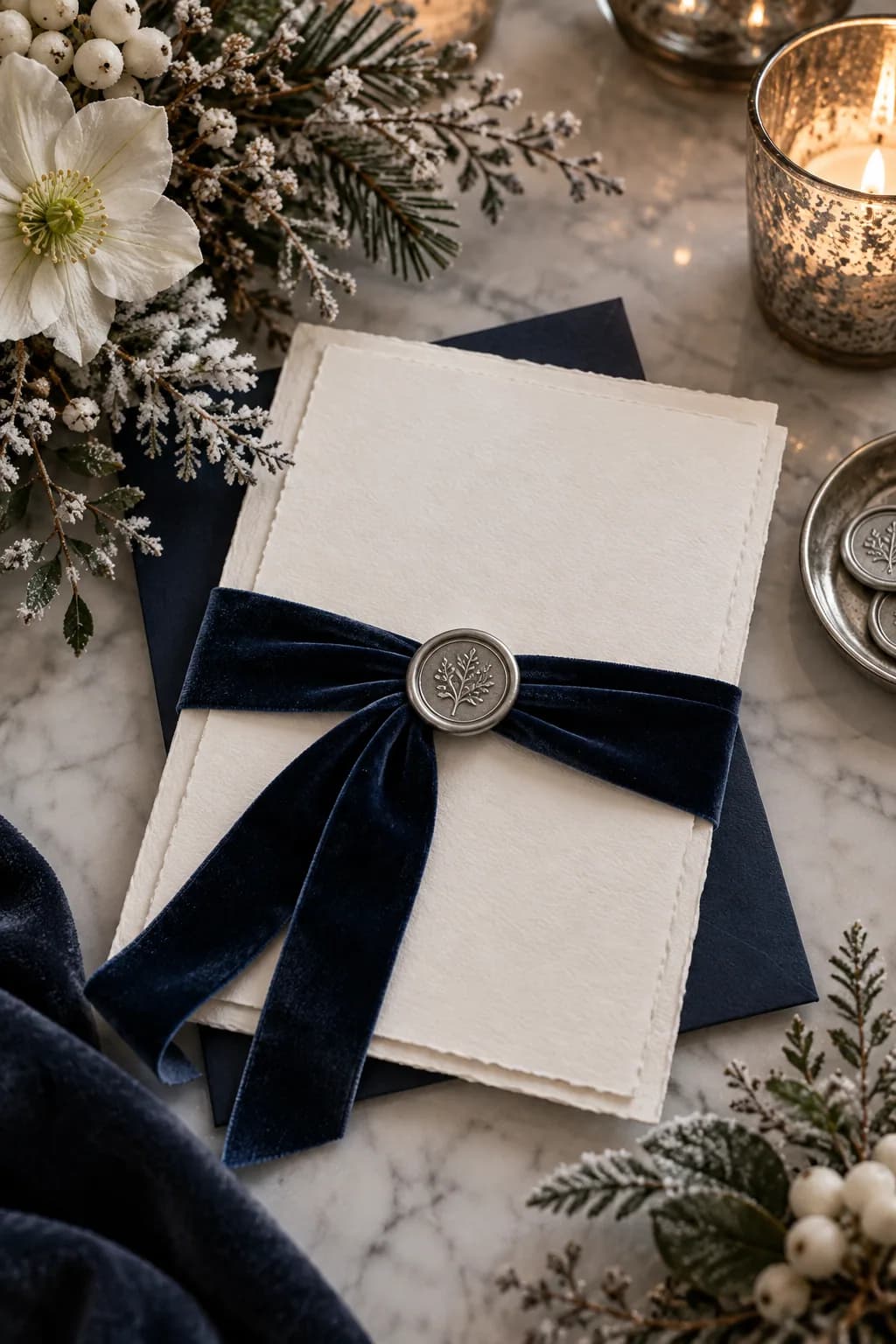
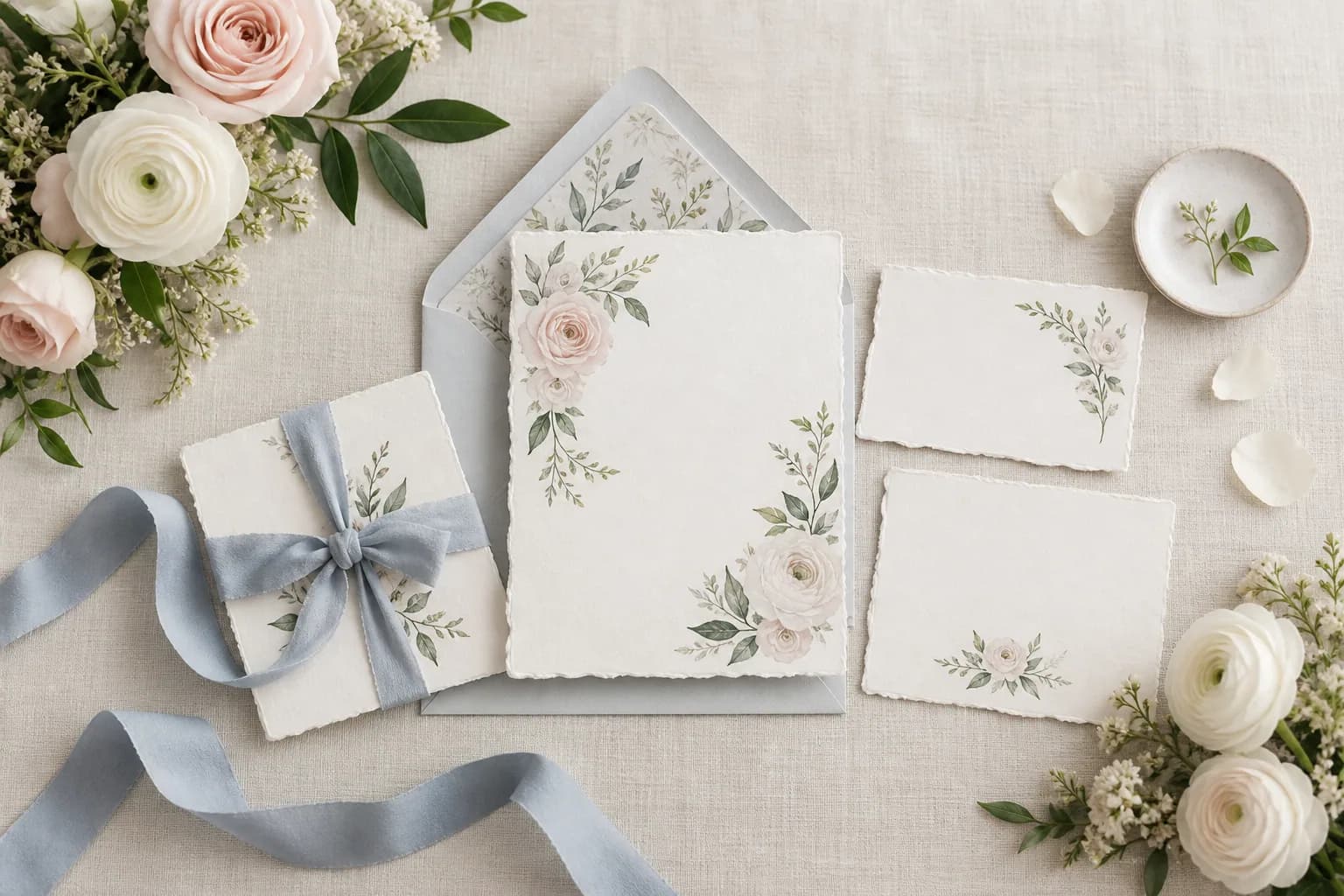
A useful way to review all in one wedding invitations is to separate the emotional layer from the operational layer. The emotional layer is the welcome: the visual opening, the tone of the wording, the story or image that makes a guest feel included. The operational layer is what lets that guest act: an accurate date, a venue they can find, a simple RSVP and a practical route to support. Neither should be treated as an afterthought. When the emotional layer is beautiful but the operational layer is unclear, guests enjoy the page yet still send questions. When the operational layer is complete but the experience has no warmth, it feels like a logistics portal rather than an invitation. A premium digital invitation holds both ideas at once. It makes the host’s decisions feel calm, and it makes each guest feel anticipated. During your final review, ask a trusted person who is not involved in the planning to open the invitation without explanation. Notice where they pause or ask a question. Those moments are not failures; they are valuable signals about the next refinement. This small test is often more useful than adding another visual effect. It ensures the final link is as dependable as it is memorable. Finally, check the invitation at the exact moment a guest is most likely to use it: while travelling, during a busy week, or from an unfamiliar phone. A page that stays easy in that context will be easy everywhere. Keep the next action visible, use descriptive link labels, and avoid asking people to remember information that the page can show them directly. This final layer of care protects the guest experience while preserving the quiet, editorial quality that makes a wedding invitation feel special.
Before you publish, read the invitation as each kind of guest would. A close friend may only need the RSVP and dinner time. A family member travelling from another country may need the schedule, airport, hotel area and dress code. Someone unable to attend may want a way to leave a note and later view approved memories. This final pass often reveals where a label is unclear, a detail is buried or a link needs testing. It is also the right time to check the experience on different screen sizes, because most guests will first encounter the invitation on a phone. Keep the words warm but direct; guests should never need to guess what is happening or what they need to do. When the essentials are easy, the design has room to feel special. FOLDÈ Wedding gives couples a polished starting point for this guest journey, but the most successful invitation is always shaped by the care you put into the people receiving it.
FAQ
It means the guest can access the essential celebration information and respond from one invitation experience.
It can serve the same practical purpose while feeling more focused and editorial than a generic event page.
Share a personal link by message, email, or QR code. Make sure the invitation is tested on mobile before sending.
Show the couple, event date, and a clear way to continue or RSVP. Put deeper travel and schedule information in dedicated sections.
Yes. Keep both concise and place a map link next to the venue information so guests can act on it immediately.
For destination or multi-day celebrations, a short, current accommodation section can be very helpful. Link to official booking pages rather than copying volatile details.
Send the same direct link by their preferred channel and include a friendly contact option. A clear, readable mobile design removes most friction.
Yes. A gallery or thank-you update can make the invitation a keepsake, provided guests' privacy is respected.
It is useful on printed save-the-dates, signage, or welcome cards, as long as it resolves to the same stable invitation link.
A digital invitation lets you update the central information. Notify guests directly when a material change affects their plans.
Yes. It is particularly useful for combining travel notes, schedule, map and RSVP in a single guest destination.
Choose based on the level of creative support and tools you need. The packages page explains the current inclusions before checkout.
Show the couple, event date and a clear path to the essential details or RSVP.
A digital invitation can centralize updates. Tell guests directly when a change materially affects their plans.
A QR code is useful on printed materials when it leads to the same stable invitation link.
CURRENT WEDDING CONTEXT
Guest experience and personalization remain central wedding-planning themes in recent industry research. These independent sources are included for context; they are not endorsements of FOLDÈ.
CONTINUE READING
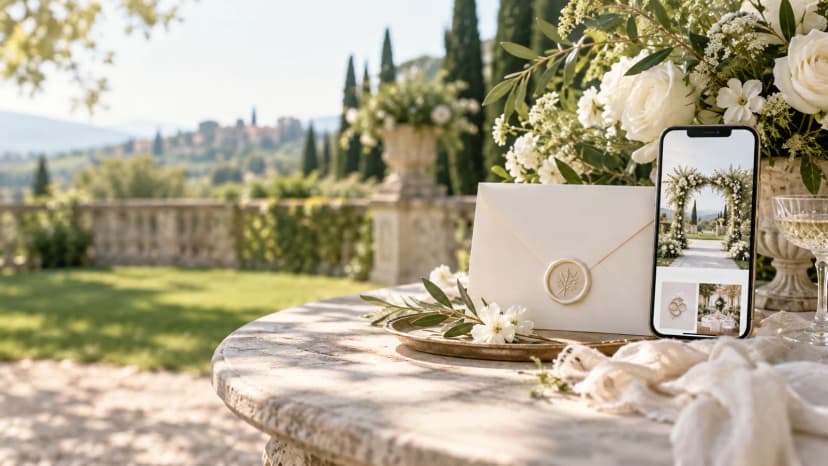 wedding invitations with floral designHow to Choose Wedding Invitations With Floral Design
 wedding invitations with rsvpHow to Create Wedding Invitations With RSVP
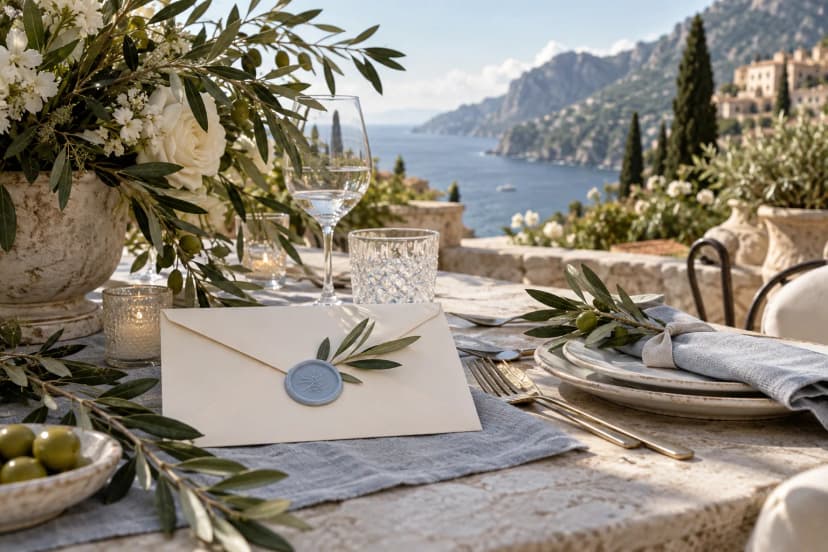 destination wedding invitationsBest Ways to Plan Destination Wedding Invitations
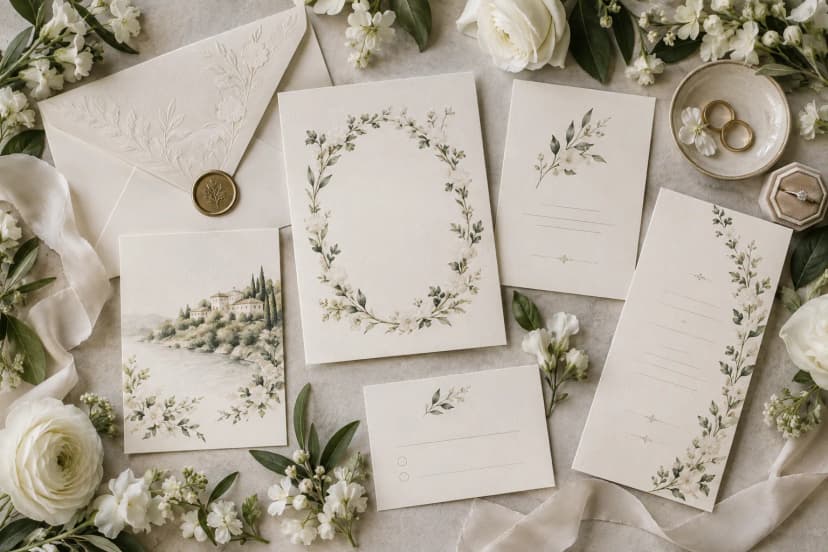 wedding invitation suiteHow to Build a Wedding Invitation Suite Online
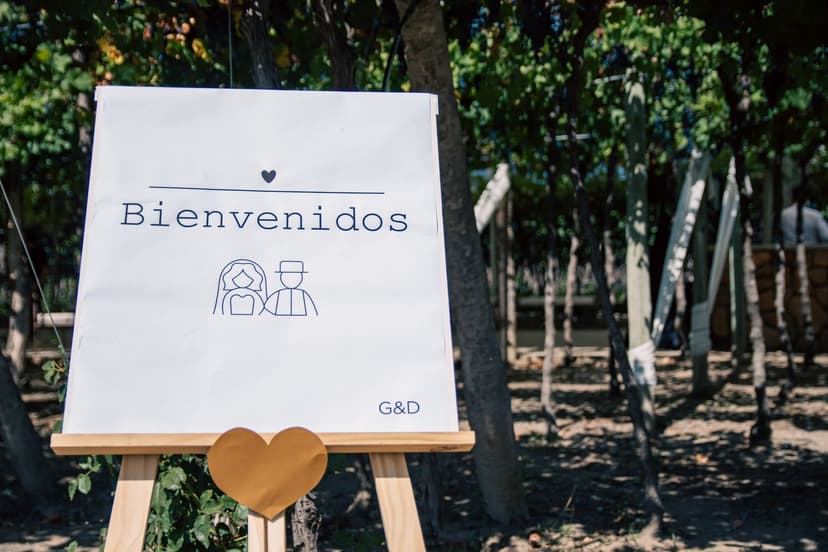 wedding welcome signsBest Wedding Welcome Signs for a Thoughtful Guest Arrival
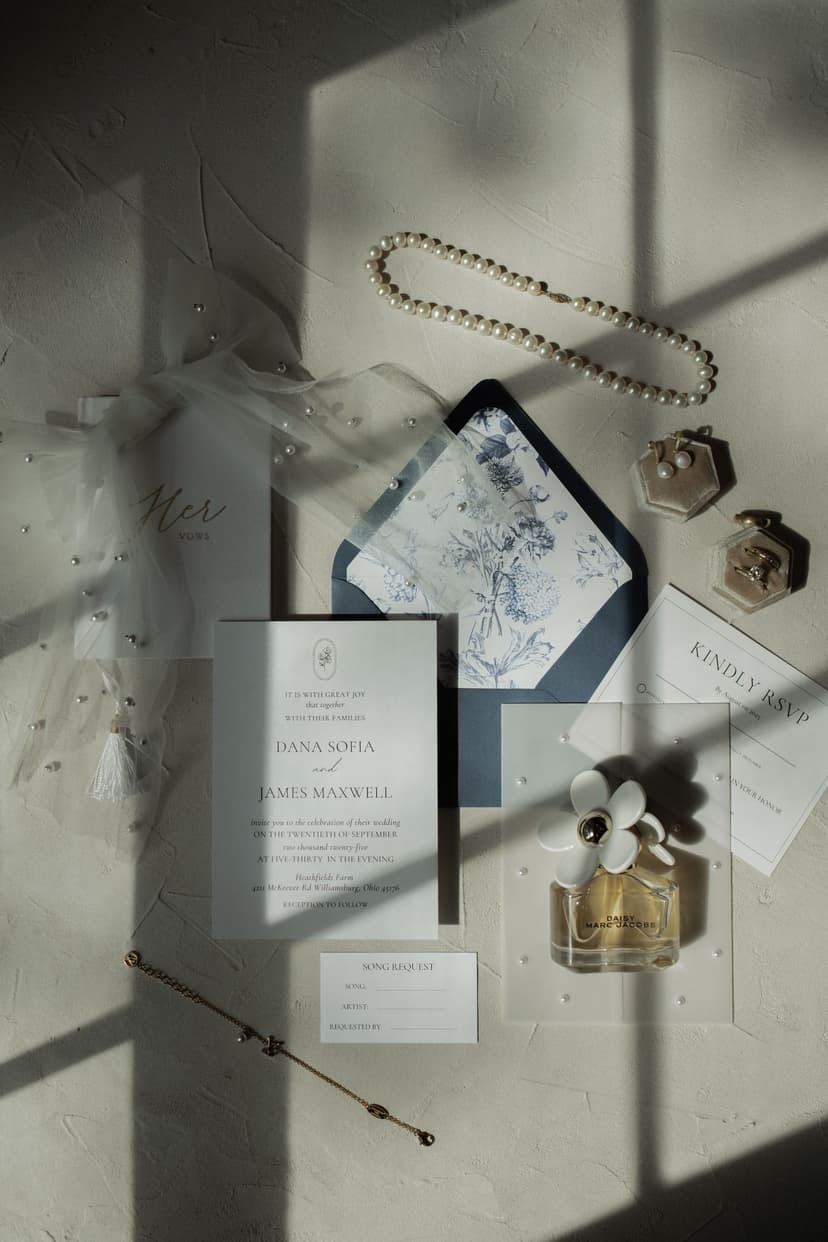 winter wedding invitationsBest Winter Wedding Invitations for an Elegant Seasonal Celebration