Cisnes
ELEGANTElegant swans romance.

WEDDING INVITATION TUTORIAL · UPDATED SEPTEMBER 8, 2026
Build a complete wedding invitation suite online with a coherent visual direction, guest details, RSVP, and practical planning links.
START WITH A DESIGN
Browse the collection, open a preview, then personalise the design that feels most like your celebration.
Elegant swans romance.
Blossoming love.
Enchanted floral garden romance.
Lake Como villa elegance.
Vibrant tropical paradise.
A soft reveal.
Swipe or use the arrows to discover more designs. You can refine the content after choosing a template.
QUICK ANSWER
FOLDÈ Wedding brings the pieces of a wedding invitation suite together online: the opening moment, event information, RSVP, gallery, and guest communication live in a single considered experience.
See how FOLDÈ Wedding works →This guide explains how to approach wedding invitation suite with a guest-first structure: a clear opening, practical details, a simple RSVP and a visual direction that remains refined on every device.
TUTORIAL
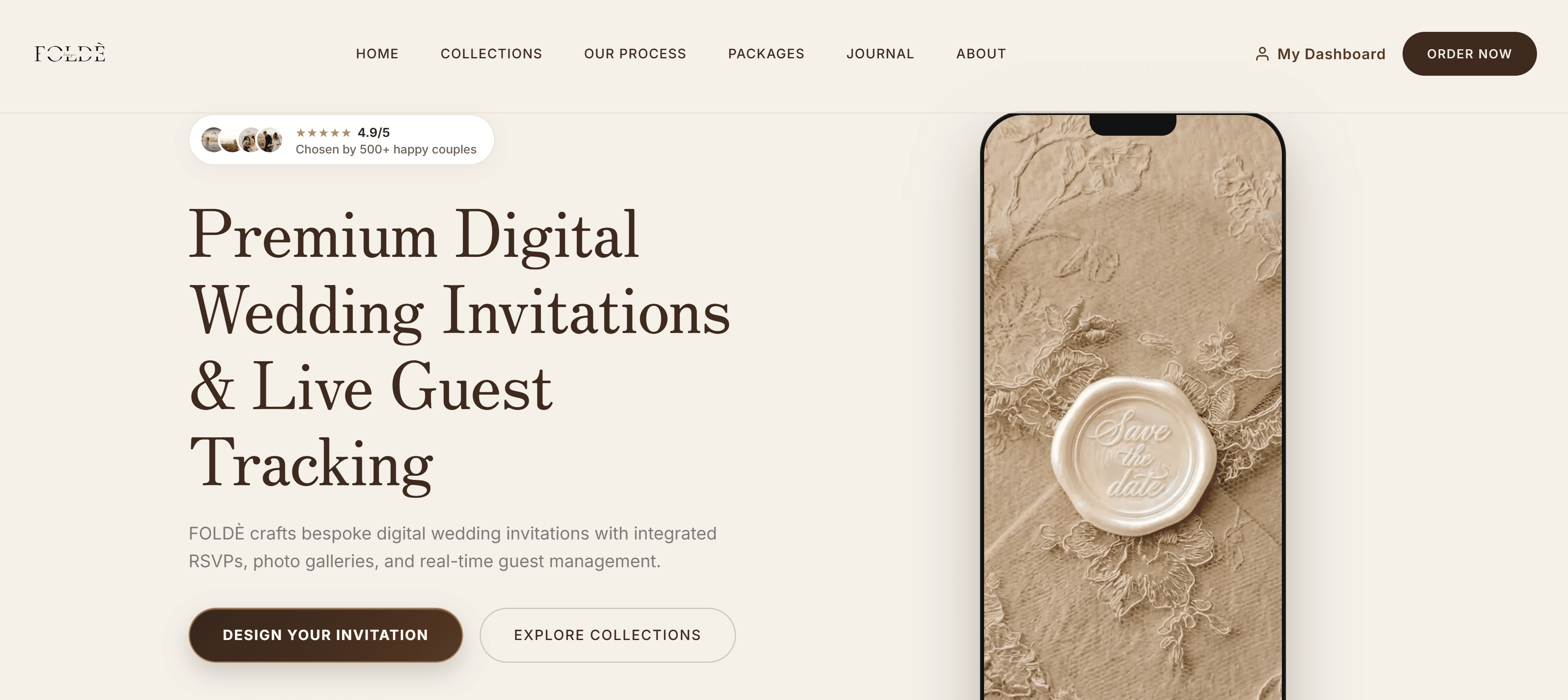
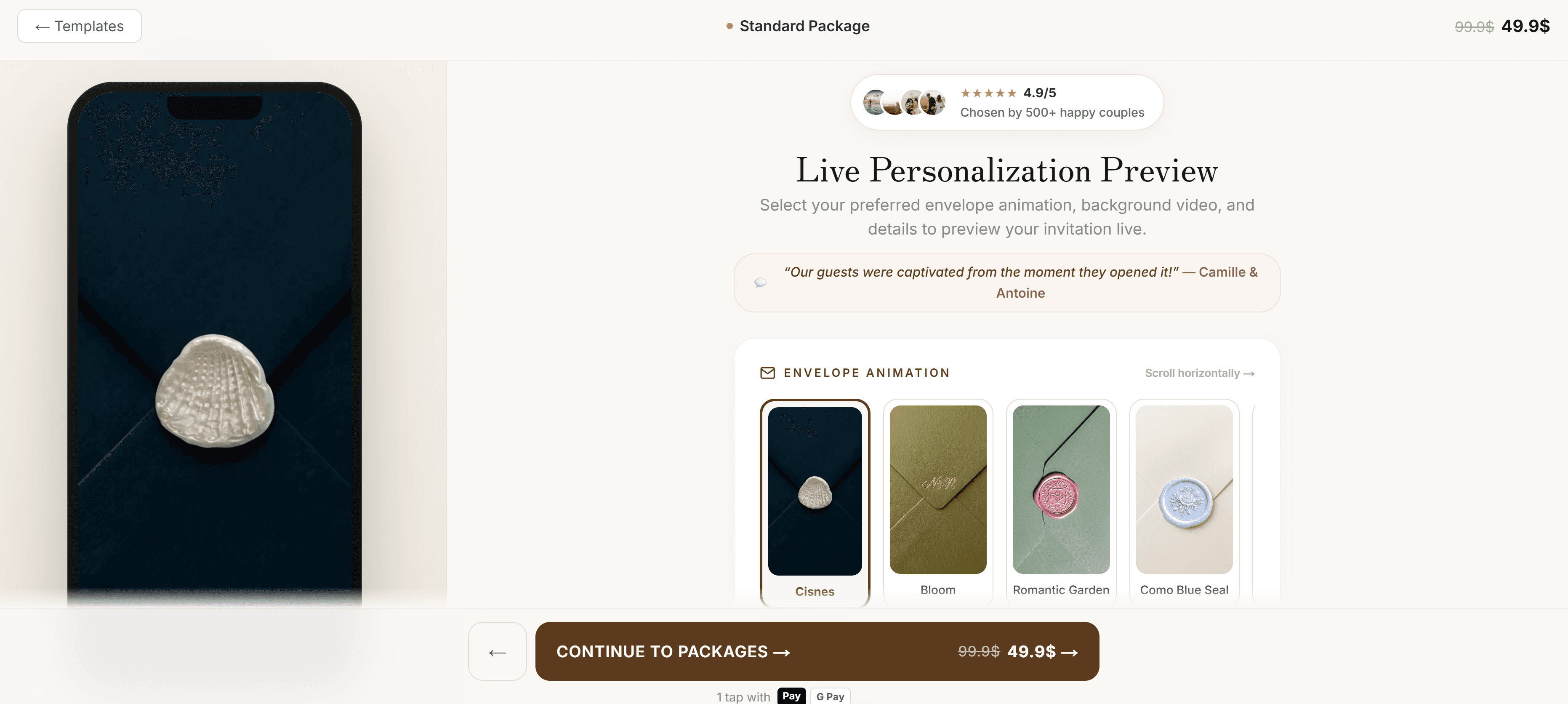
Use the FOLDÈ collection preview to choose a direction, then open your live invitation preview to check the experience from a guest's perspective.
The best approach to wedding invitation suite begins with a practical question: what should a guest understand or do first? Decide whether the first priority is confirming attendance, finding the event date, or planning travel. Build the opening around that answer before choosing decoration or animation. This approach makes the experience feel considered rather than overloaded. A guest should sense the atmosphere immediately, but should also know where the essential information lives. Keep one primary action visible and give the rest of the page a calm rhythm. This is a useful discipline for every wedding size, because clarity is what allows the visual direction to feel premium on a phone as well as on a large screen. For a complete online invitation suite, decide what belongs in the opening moment and what can wait until the guest chooses to continue. That distinction keeps the first screen welcoming rather than crowded.

Start with the couple and the celebration, then move naturally into date, place, schedule, practical notes and RSVP. Guests should not need to search through a long welcome message for an arrival time or dress code. A single invitation link works best when it behaves as the current source of truth: hosts can refine an address, add a timing note, or clarify a question in one place. Short headings and generous whitespace do more for usability than a dense block of copy. The goal is not to reduce personality; it is to make personality easy to experience without putting a task in front of the guest. A short navigation label such as “RSVP”, “Schedule” or “Travel” is more useful than clever naming. Guests should recognise the next step before they have to interpret it.
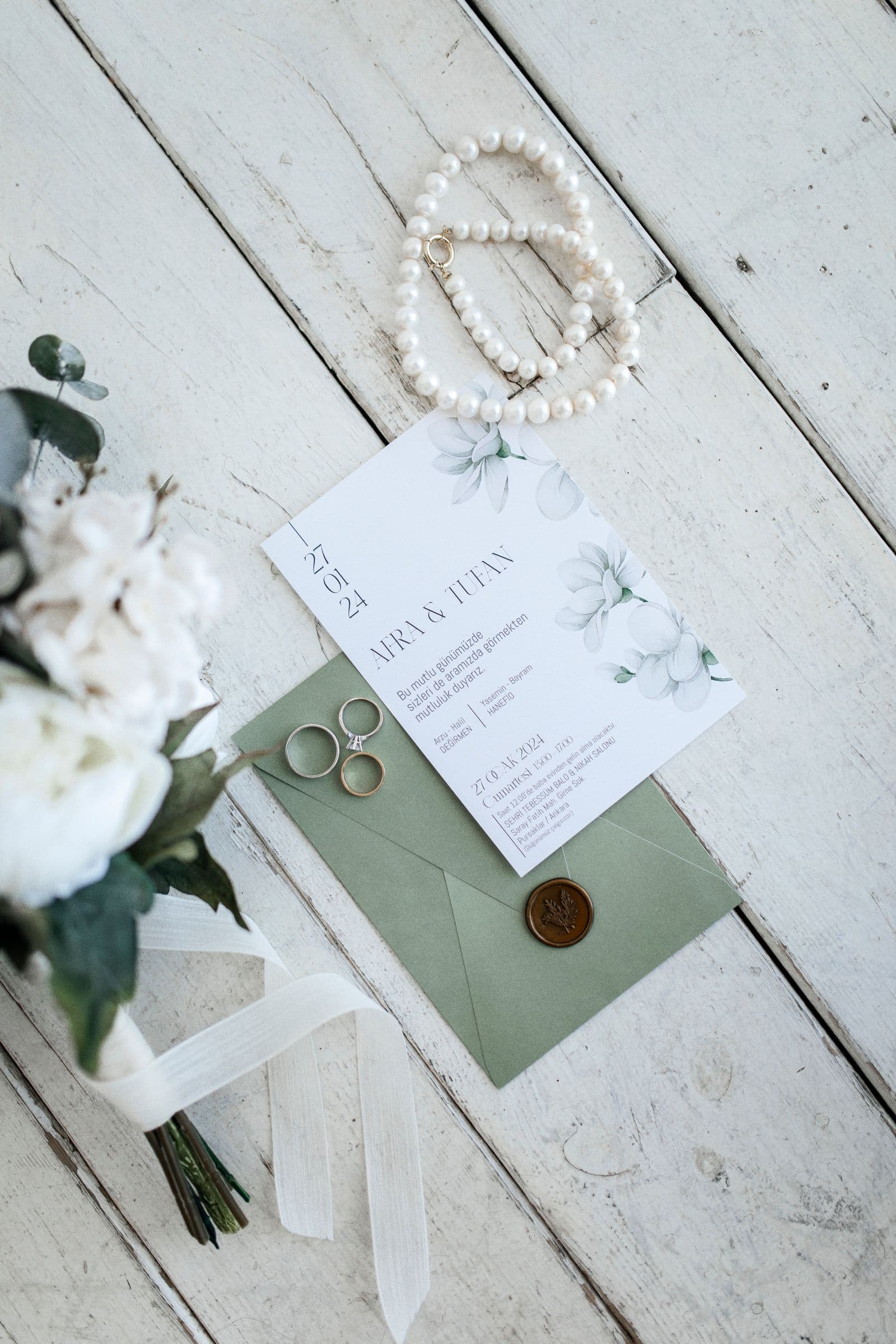
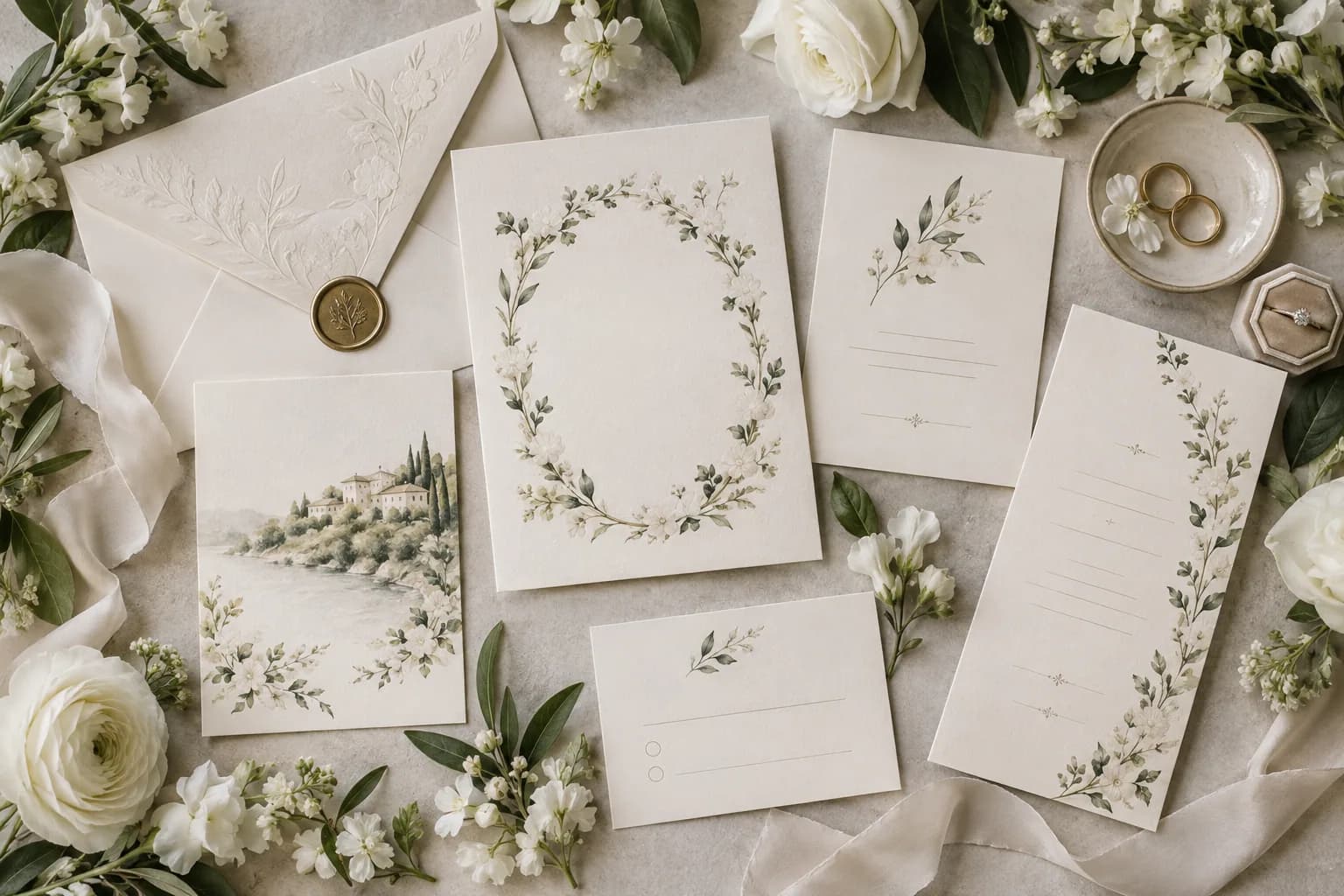
Choose one dominant mood and repeat it lightly. For a complete online invitation suite, that could mean a restrained palette, a specific paper texture, a botanical detail, or a photograph treatment that returns at key moments. Avoid introducing a new aesthetic at every section. The best digital invitations use small repetitions to create memory: a seal tone, a line motif, a single floral element, or a recurring type contrast. This gives the guest a complete visual world while allowing the schedule, map and RSVP to remain highly readable. Preview every choice at phone width, where tiny text and overly busy backgrounds become immediately obvious. When choosing the relationship between each invitation section, test colour contrast over the actual imagery rather than a blank background. The most expressive visual choice succeeds only when names, dates and actions remain comfortable to read.
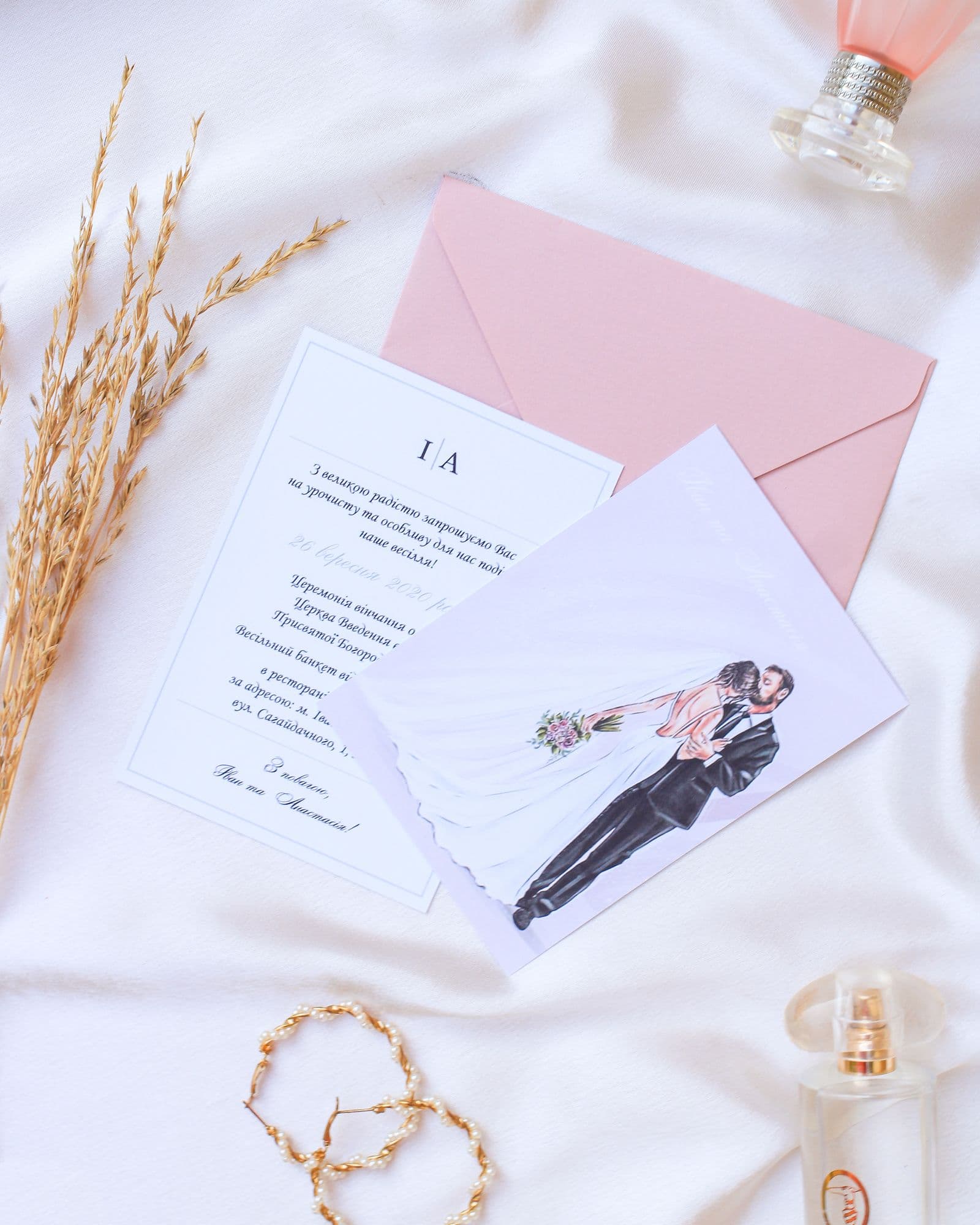
Couples already know the venue and the family plan; their guests may not. Write the practical section as if the reader has never visited the location. Name the venue, show the arrival time, provide a map link, and make special access, dress code or transport information explicit. If there is travel, explain which date matters most and where guests should look for accommodation. Keep recommendations brief and link to live official information rather than duplicating details that can change. This approach makes a complete online invitation suite feel hospitable. It replaces a stream of individual questions with one reliable, well-designed answer. Use the wording a first-time visitor would need. A precise venue name, one map link and a clear arrival instruction solve more problems than a long paragraph of atmosphere.
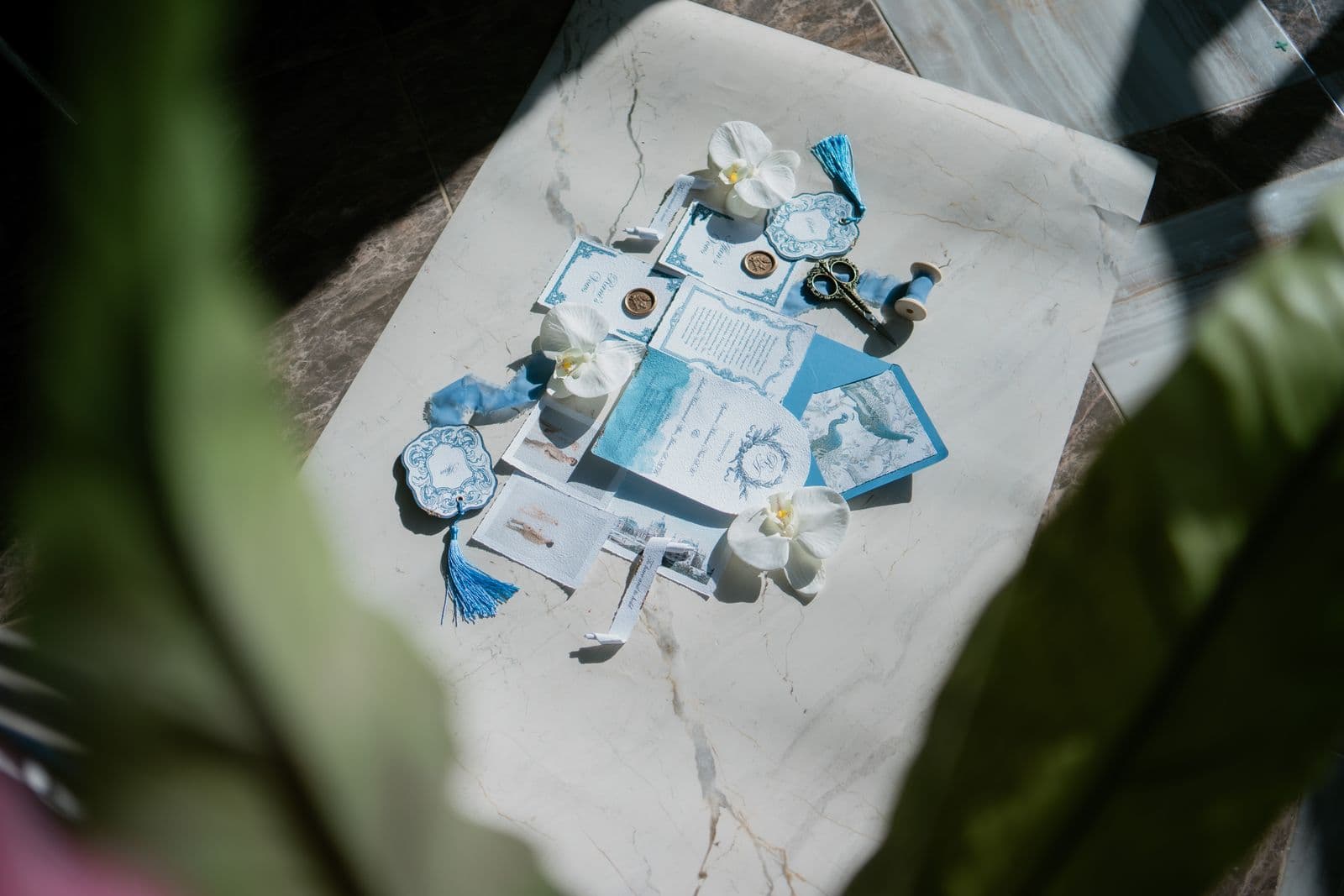
A polished invitation still needs a response flow that works in a few taps. Ask for attendance first, then reveal meal or party questions only when they are relevant. State the deadline plainly and let the guest know whom to contact if plans change. Test the invitation as a guest before sharing it: open the link on a small phone, submit a response, and confirm the host dashboard receives the right information. FOLDÈ keeps responses close to the invitation experience so couples do not have to gather answers from messages, screenshots and separate spreadsheets. Read our wedding invitations with RSVP guide for a dedicated planning checklist. Keep the form respectful of attention. If a question will not change a hosting decision, remove it. Fewer, clearer fields usually lead to more timely and accurate replies.
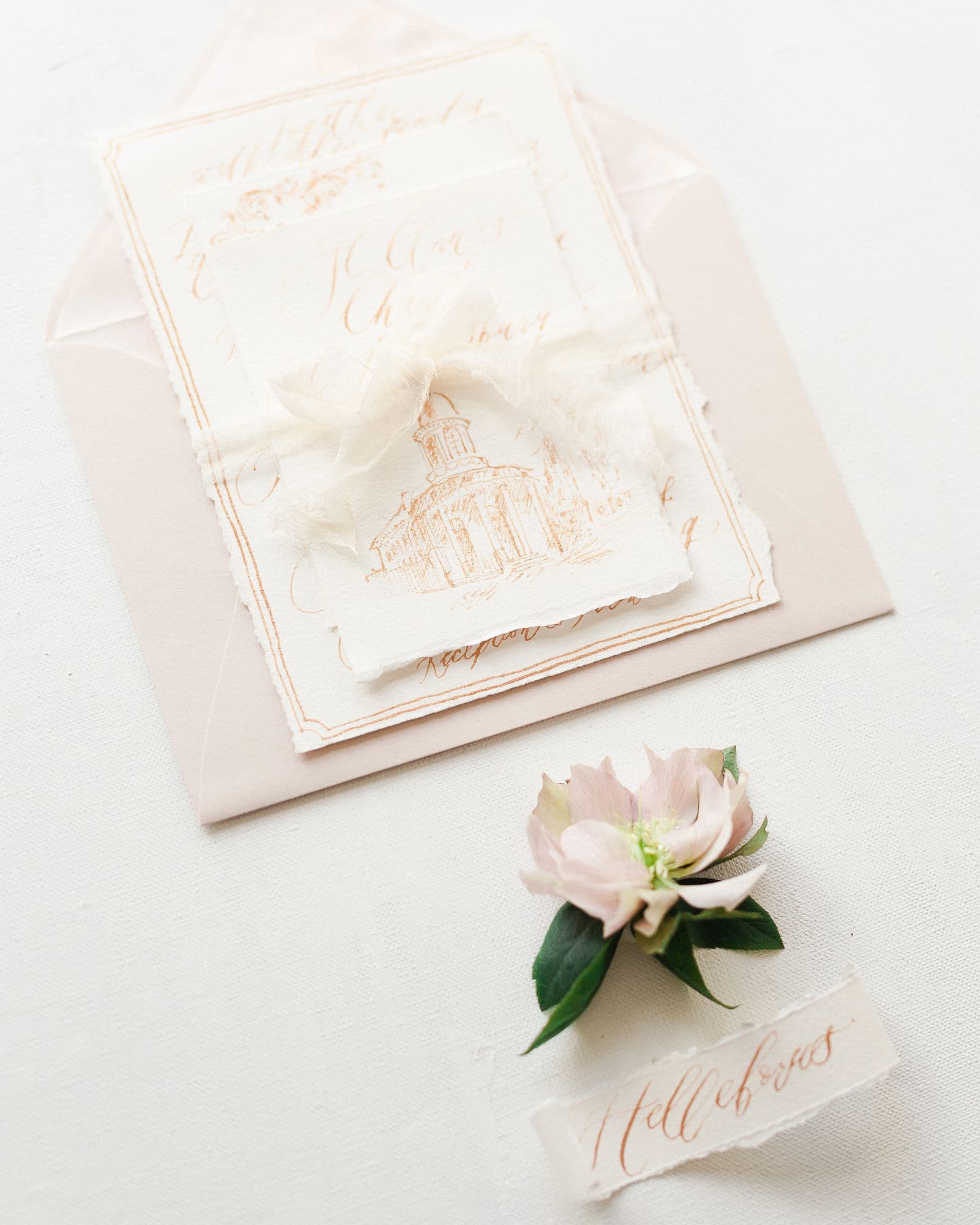
A beautiful page only helps when guests can reach it easily. Decide in advance whether you will share the same link by text, email, QR code or printed card. Use one stable destination instead of sending revised files as plans evolve. The invitation should be quick to load, easy to scan and comfortable to return to on a phone. Test the map, RSVP and any external links before publication. A short, warm reminder near the deadline can point everyone back to the same page. This creates a more consistent experience for close friends, family abroad and guests who are less comfortable with digital planning. Before sending, prepare one short sharing message that explains what the link contains. This gives guests a calm starting point and prevents important details from being lost in an informal chat thread.

Not every celebration needs the same information. An intimate local dinner may only need the date, venue, dress code and RSVP. A multi-day or destination event may need travel notes, several schedule blocks and a more visible contact point. Editing is part of luxury: leave out sections that do not serve the guest journey. A focused digital invitation can feel more generous than a crowded one because it respects attention. Use the live preview to move through your invitation from the guest’s perspective and keep the most important decision within two taps of the opening. For a celebration with several events or venues, separate “essential before booking” information from optional inspiration. Guests can browse recommendations later, but they should see the dates and main location immediately.
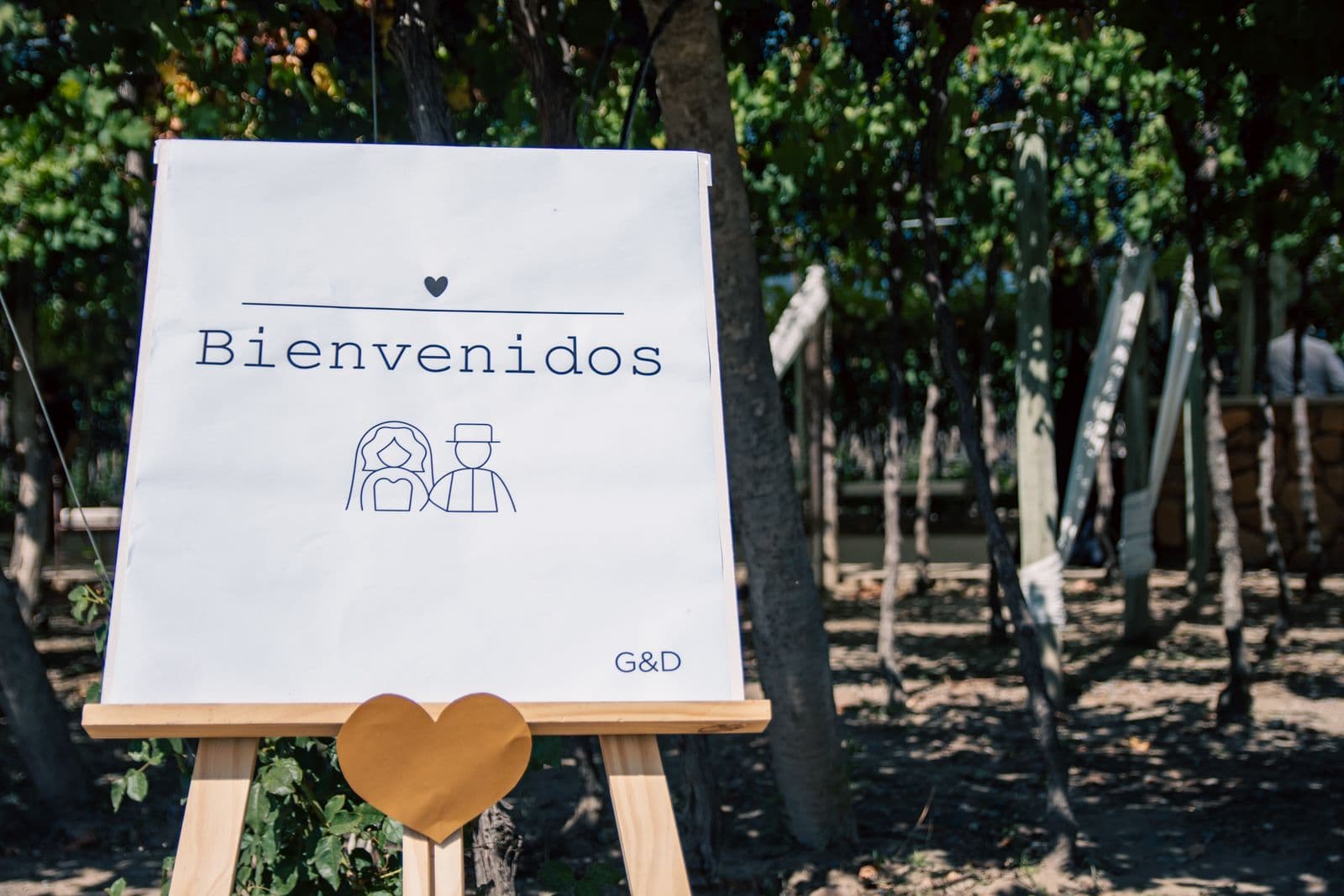
One advantage of a digital invitation is that it can remain useful after it is sent. If a schedule changes or a transport detail needs clarification, update the central page and message guests only when the change affects their plans. After the wedding, a gallery or thank-you note can turn the invitation into a small keepsake. Ask before sharing identifiable guest photos and keep privacy settings in mind. This long-term usefulness is why a cohesive invitation system can feel more personal than a generic event page: it changes with the celebration while retaining its original design language. If the page changes after it is shared, add a visible update note near the affected detail. A quiet explanation builds confidence that the link remains reliable.
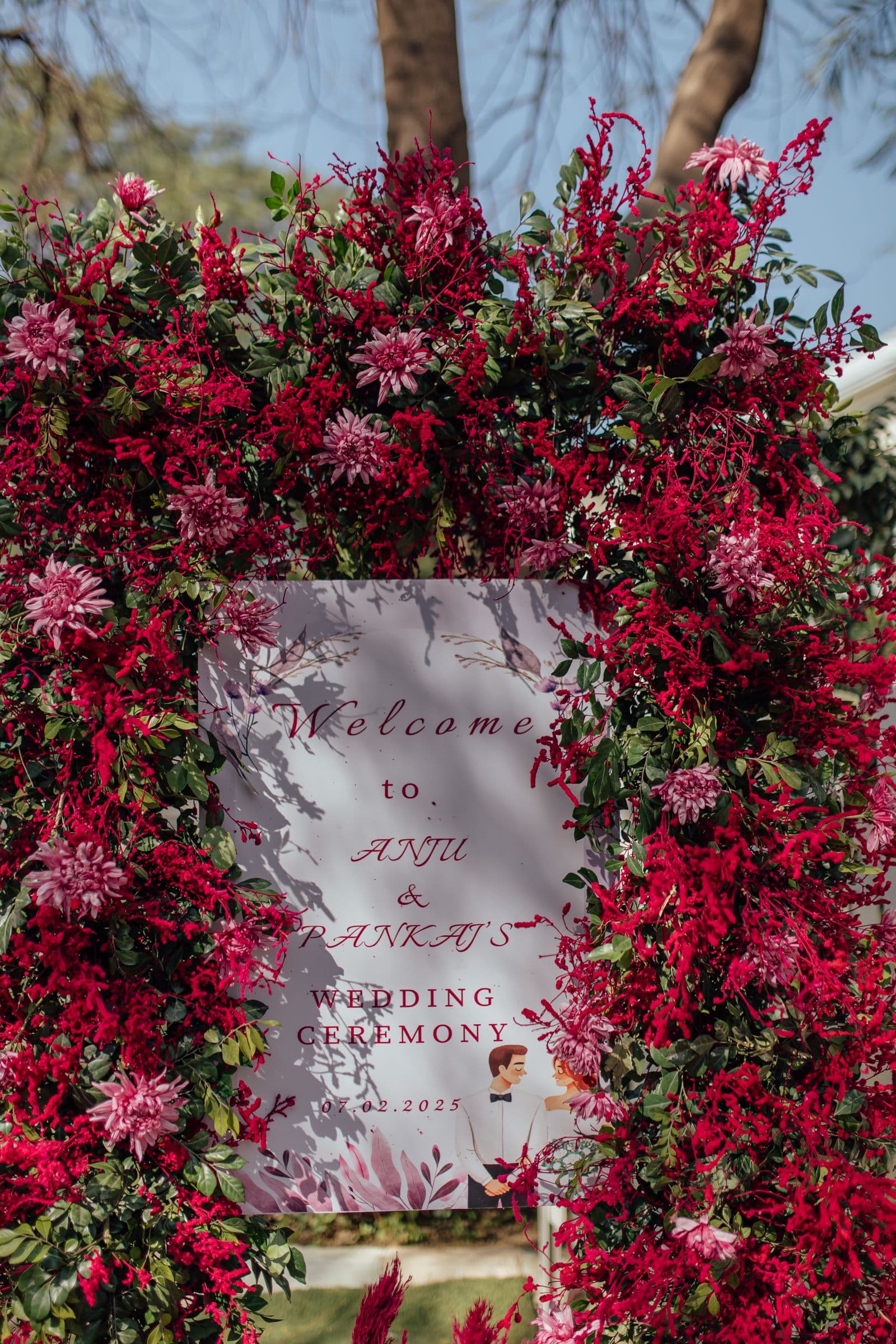
Some couples want to direct every creative decision; others prefer a team to take the details from questionnaire to finished invitation. Both approaches work when the fundamentals are settled first: guest list, schedule, visual references, RSVP needs and desired tone. Start by browsing FOLDÈ collections, then compare the support included in our packages. The strongest invitation concept is not the one with the most effects. It is the one that makes the event feel unmistakably yours and makes the guest experience simple from the first click. Collect visual references only after the guest journey is clear. This lets a cohesive suite of guest-facing pages support the event rather than competing with the information people came to find.
Before publishing, read the invitation as a guest with no inside information. Can they understand the event in seconds? Can they RSVP without guessing what to do? Can they find the map and the deadline without scrolling through visual content? Review it on a small screen, try every link, and check the language for warmth and precision. This final pass is where a good invitation becomes a dependable one. When the information is calm and current, the design has room to create anticipation—and your guests can focus on the celebration itself. Ask one person who was not involved in the planning to try the link on their own phone. Their questions reveal exactly where a label, order or link needs another pass.

A useful way to review wedding invitation suite is to separate the emotional layer from the operational layer. The emotional layer is the welcome: the visual opening, the tone of the wording, the story or image that makes a guest feel included. The operational layer is what lets that guest act: an accurate date, a venue they can find, a simple RSVP and a practical route to support. Neither should be treated as an afterthought. When the emotional layer is beautiful but the operational layer is unclear, guests enjoy the page yet still send questions. When the operational layer is complete but the experience has no warmth, it feels like a logistics portal rather than an invitation. A premium digital invitation holds both ideas at once. It makes the host’s decisions feel calm, and it makes each guest feel anticipated. During your final review, ask a trusted person who is not involved in the planning to open the invitation without explanation. Notice where they pause or ask a question. Those moments are not failures; they are valuable signals about the next refinement. This small test is often more useful than adding another visual effect. It ensures the final link is as dependable as it is memorable. Finally, check the invitation at the exact moment a guest is most likely to use it: while travelling, during a busy week, or from an unfamiliar phone. A page that stays easy in that context will be easy everywhere. Keep the next action visible, use descriptive link labels, and avoid asking people to remember information that the page can show them directly. This final layer of care protects the guest experience while preserving the quiet, editorial quality that makes a wedding invitation feel special.
Before you publish, test every part of wedding invitation suite as a guest would. Check the date, venue, map, schedule, RSVP and any links on a phone. Keep one stable URL for every reminder, and make the important actions easy to find. The result should feel personal, current and effortless for the people you are inviting.
FAQ
Usually the main invitation, event details, RSVP and reception information. Digital suites can also include maps, galleries and guest updates.
No. Use only the sections that solve a real guest need for your celebration.
Yes. The premium quality comes from art direction, pace, imagery, typography and a frictionless guest experience.
Show the couple, event date and a clear path to the essential details or RSVP.
A digital invitation can centralize updates. Tell guests directly when a change materially affects their plans.
A QR code is useful on printed materials when it leads to the same stable invitation link.
Use clear labels, legible text and a direct contact option for anyone who needs help.
Yes. Keep both concise and place them near the venue and schedule information.
Ask only for information you will use: attendance, names, meal choice when needed, and an optional note.
Yes. A gallery or thank-you update can turn the experience into a keepsake, with guest privacy respected.
Yes. wedding invitation suite can hold travel, accommodation, schedule and RSVP information in one guest destination.
Choose according to the level of creative support and tools you need; the packages page lists the current inclusions.
Open it on a phone, test the RSVP and every external link, then ask one trusted person to check the guest journey.
CURRENT WEDDING CONTEXT
Guest experience and personalization remain central wedding-planning themes in recent industry research. These independent sources are included for context; they are not endorsements of FOLDÈ.
CONTINUE READING
 wedding invitations with floral designHow to Choose Wedding Invitations With Floral Design
 wedding invitations with rsvpHow to Create Wedding Invitations With RSVP
 destination wedding invitationsBest Ways to Plan Destination Wedding Invitations
 all in one wedding invitationsBest All in One Wedding Invitations for Guests
 wedding welcome signsBest Wedding Welcome Signs for a Thoughtful Guest Arrival
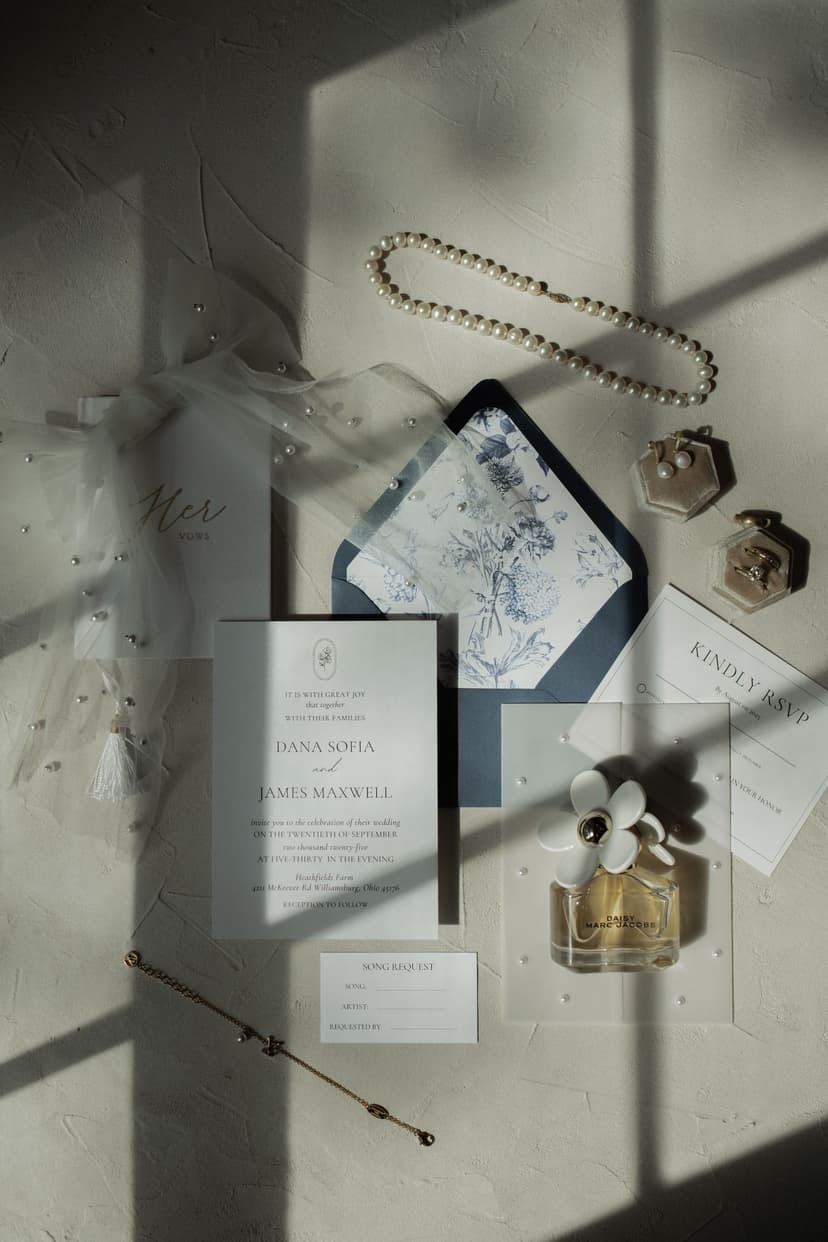 winter wedding invitationsBest Winter Wedding Invitations for an Elegant Seasonal Celebration